

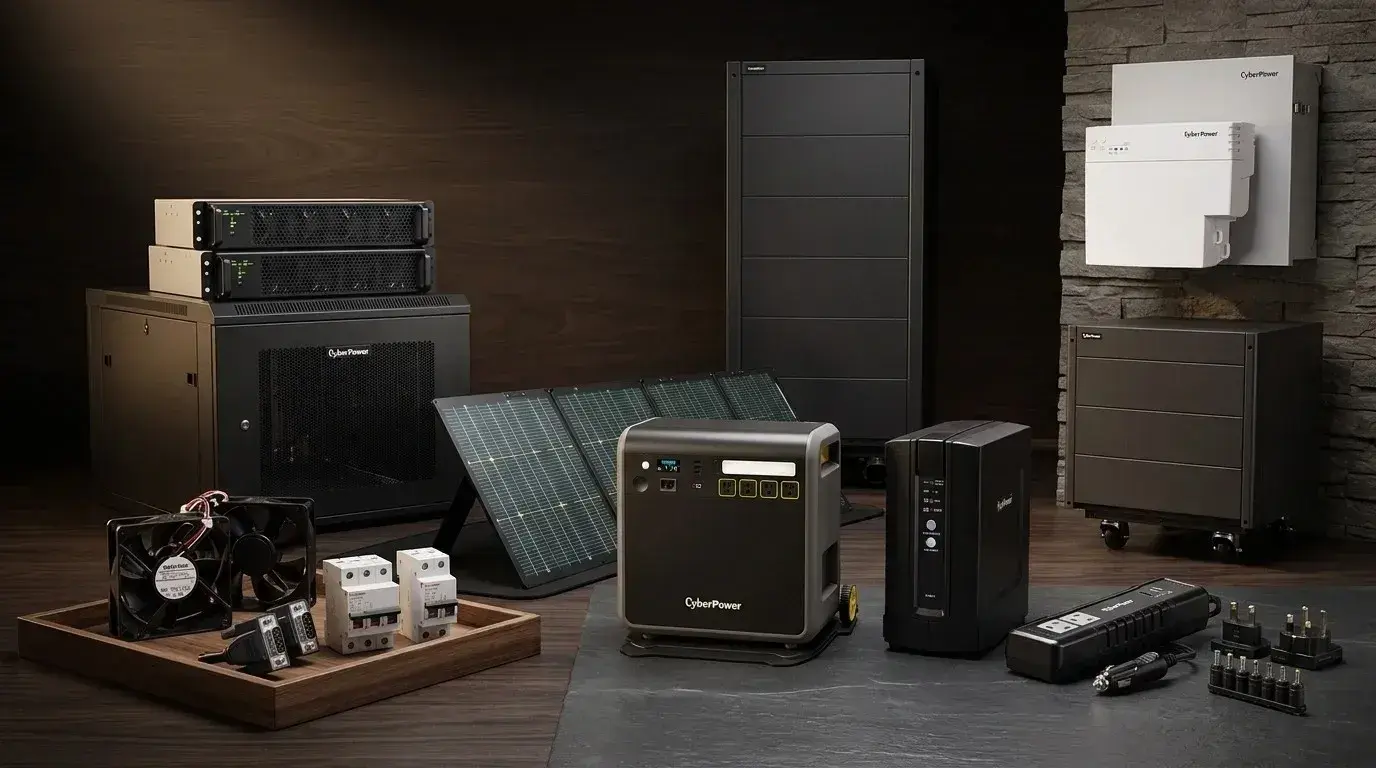
A single unexpected power outage during a video call, a spreadsheet save, or a client presentation can cost a small business or remote worker real money and reputation. That's why an uninterruptible power supply is one of the most quietly essential pieces of equipment in any professional home office or small business setup, and why CyberPower has become one of the most trusted names in the category. The top CyberPower products for professional use aren't necessarily the biggest or most expensive models. They're the ones sized correctly for your actual setup and equipped with the right features for the way your business actually runs.
This guide walks through the specific CyberPower products worth considering for small business and remote work environments, along with practical guidance on sizing, feature priorities, and realistic runtime expectations. You can also check our own CyberPower promo code for verified discounts on the models below, since even a modest budget benefits from timing purchases around sale windows.
Why a UPS Matters More Than Most Remote Workers Realize
Before diving into specific products, it helps to understand what a UPS actually does. A UPS is not a generator. It's a bridge between the wall outlet and your equipment, delivering a few critical protections that a standard surge strip cannot:
Instant switchover during an outage (typically within milliseconds), keeping your devices running long enough to save work and shut down cleanly.
Automatic Voltage Regulation (AVR) that corrects minor voltage fluctuations without switching to battery, protecting sensitive electronics from the brownouts and over-voltages that quietly degrade components over time.
Surge and data line protection against lightning strikes and power surges traveling through both electrical and Ethernet lines.
Clean power delivery that filters "dirty" utility power that can shorten the life of expensive equipment.
For remote workers, this typically translates into a realistic runtime window of 15 to 20 minutes at full load (all devices running), 30 to 45 minutes at half load (computer plus one monitor with router/modem on a separate circuit), and 2 to 4 hours if you're only running your modem and router, useful if you need to stay connected while waiting for power to return.
How to Size a CyberPower UPS for Your Setup
Two numbers matter when choosing a UPS: volt-amperes (VA) and wattage. VA tells you the peak load the unit can handle, while wattage determines how long it runs under a given load. A typical home office setup (desktop computer plus two monitors, router, and modem) draws roughly 500 to 700 watts under full load. Most UPS units are rated in VA, and a rough rule of thumb is to multiply your total wattage by 1.3 to get the VA capacity you actually need.
For remote workers with a laptop-only setup, a smaller UPS (450 to 850 VA) is typically enough. For desktop-based home offices with multiple monitors and peripherals, a 1000 to 1500 VA unit provides comfortable headroom. For small business environments protecting servers, network-attached storage, or multiple workstations, larger tower or rack-mounted units in the 1500 VA and up range are appropriate.
Top CyberPower Products for Small Businesses and Remote Workers
CyberPower CP1500PFCLCD (1500 VA PFC Sinewave)
This is the CyberPower model most frequently recommended for professional home offices and small businesses running sensitive equipment. It's built on line-interactive topology with true sine wave output, which matters because it's compatible with Active PFC (Power Factor Correction) power supplies used in modern desktops, gaming PCs, and network-attached storage. Standard "simulated sine wave" units can cause instability or unexpected shutdowns with these Active PFC components, so the sine wave feature is worth paying for if your setup includes a modern desktop or NAS.
Best for: Sensitive workstations, NAS setups, or any environment where equipment compatibility with Active PFC power supplies matters. Real-world runtime typically keeps monitors, router, and modem running for 15+ minutes at full load, and considerably longer at half load.
CyberPower CP1000AVRLCD (1000 VA Midrange Workstation)
A step down from the CP1500PFCLCD, this midrange unit still delivers a full LCD multifunction panel and Automatic Voltage Regulation, making it the practical choice for a single admin workstation or a smaller home office setup where a full 1500 VA is more than you need. AVR handles minor voltage fluctuations without switching to battery, extending battery life and protecting equipment from unnecessary transition wear.
Best for: Single-workstation home offices or smaller admin setups that need reliable protection without oversizing the unit.
CyberPower EC850LCD (850 VA Light-Duty Backup)
For light counter or support gear, a smaller retail POS station, or a modest home office setup that doesn't need to protect a full desktop rig, the EC850LCD offers essential protection at a lower cost. It fits well into scenarios where you're bridging short outages rather than expecting to run through prolonged ones.
Best for: Retail counters, label stations, receipt printers, light home office gear, and small business support hardware.
CyberPower GX Series
The GX Series is designed with gaming and high-end home theater equipment in mind, but it also serves double duty for creative professionals working from home who use gaming-caliber desktops for video editing, 3D rendering, or streaming work. It provides advanced power protection specifically calibrated for high-draw devices, gaming consoles, powerful desktops, peripherals, routers, modems, and home theater electronics.
Best for: Creative professionals, streamers, video editors, or anyone whose home office doubles as a gaming or content creation setup.
CyberPower Smart App Sinewave (Line Interactive Tower and Rack Models)
For small businesses moving into more serious territory, protecting departmental servers, networking gear, or multi-workstation environments, the Smart App Sinewave line offers rackmount and rack/tower options with the same sine wave output critical for Active PFC compatibility. These are worth considering when you've outgrown a standard desktop UPS but don't yet need a full data center-grade solution.
Best for: Small business server closets, network cabinets, and departmental IT setups that require rack-mountable protection with sine wave output.
CyberPower Smart App Online (Double-Conversion Rack/Tower)
At the more critical end of the small business spectrum, the Smart App Online series uses double-conversion topology to deliver true sine wave output with zero transfer time to battery, which matters for mission-critical applications and equipment. It also offers generator compatibility for setups where a longer-term backup strategy involves both a UPS and a standby generator.
Best for: Mission-critical small business applications, medical or professional practices where equipment cannot tolerate any transfer window, and setups running alongside a standby generator.
CyberPower Rack-Mount 8-Outlet Models
For small business server closets and network equipment racks specifically, CyberPower's rack-mount UPS models fit into 14-inch minimum depth enclosures and provide eight battery-backed outlets plus an LCD panel displaying battery and power conditions. Remote monitoring through CyberPower's PowerPanel management software is included, allowing IT or admin staff to monitor status and receive alerts about potential issues before they affect connected equipment.
Best for: Small business server rooms, network closets, and any rack-mounted setup where consolidated protection with remote monitoring matters.
Key CyberPower Features Worth Knowing
Beyond specific models, a few technologies show up across CyberPower's professional lineup and are worth understanding:
PowerPanel Management Software. CyberPower's proprietary software allows local and remote monitoring, management, and graceful shutdown of connected systems. This is a genuine differentiator for small business environments where the UPS may not be in the same physical location as the person managing it.
GreenPower UPS Technology. An energy-saving design across CyberPower's product line that improves operating efficiency and reduces waste energy consumption, meaningful over the years-long lifespan of a typical UPS.
Automatic Voltage Regulation (AVR). Corrects minor power fluctuations without switching to battery, which both protects equipment and extends the useful life of the UPS battery itself.
LCD Multifunction Panel. Present on most professional models, showing real-time load, battery status, and estimated runtime. Small but genuinely useful for planning around outages.
Data Line Protection. Shields connected equipment from surges traveling through Ethernet or phone lines, an often-overlooked path for damaging surges to reach networking gear.
What NOT to Plug Into Your UPS
One common mistake worth avoiding: laser printers and other high-draw devices should generally not be plugged into battery-backed UPS outlets unless the specific UPS manufacturer explicitly supports that load. The startup power draw of a laser printer can overload the UPS or drain the battery rapidly. If you need surge protection for a laser printer, use the surge-only outlets on your UPS (most professional CyberPower models include both battery-backed and surge-only outlets), or a separate dedicated surge protector.
The same principle applies to other high-draw devices: space heaters, hair dryers, coffee makers, and similar equipment don't belong on UPS battery-backed outlets.
Realistic Runtime Expectations
Managing expectations here matters. A UPS is designed for short-term power protection, not extended runtime through hours-long outages. For a typical remote worker's home office, the practical runtime windows are:
Full load (all devices running): 15 to 20 minutes, enough time to save work, close applications, and shut down cleanly.
Half load (computer plus one monitor, router/modem elsewhere): 30 to 45 minutes, comfortable for weathering most short outages.
Router/modem only: 2 to 4 hours, useful if you need to maintain internet connectivity while waiting for power to return.
For genuinely extended outages (multi-hour), a UPS should be paired with a portable power station or generator. A UPS is the right tool for short power events; a generator is the right tool for prolonged ones.
Tips to Maximize Value on Your CyberPower Purchase
Size honestly, not aspirationally. A properly sized UPS at the right VA rating serves you better than an oversized unit that costs more without adding practical benefit.
Prioritize sine wave output if you have a modern desktop. Active PFC power supplies in contemporary desktops and NAS units need sine wave power to run reliably during battery mode.
Look for AVR as a standard feature. Automatic Voltage Regulation extends battery life and protects equipment, and most professional CyberPower models include it.
Register your product for the warranty. CyberPower's professional lineup typically includes multi-year warranty coverage, and registration through their site is straightforward.
Plan for battery replacement, not lifetime use. Sealed lead-acid UPS batteries typically last three to five years, so factor a replacement cost into your longer-term budgeting.
Don't skip data line protection. Ethernet-carried surges are a real risk to networking gear, and passing your connection through the UPS's data line jacks adds meaningful protection.
Monitor with PowerPanel software if you're managing multiple UPS units across a small business setup, since remote monitoring makes battery health issues visible before they cause a failure.
The Bottom Line
The top CyberPower products for small businesses and remote workers aren't a single "best" model. They're the ones sized correctly for your specific setup, with the features that match your equipment needs. The CP1500PFCLCD is the most common recommendation for professional home offices with modern desktops or NAS gear, the CP1000AVRLCD serves single-workstation setups well, and rack-mount and Smart App models scale into small business server and network environments. Sine wave output, AVR, LCD panels, and PowerPanel management software are the key features worth prioritizing across the lineup.
For verified discounts on CyberPower UPS units, surge protectors, and related power protection gear, bookmark our CyberPower coupons code, where we track current offers so you can protect your professional setup without paying full retail on equipment your business genuinely needs.